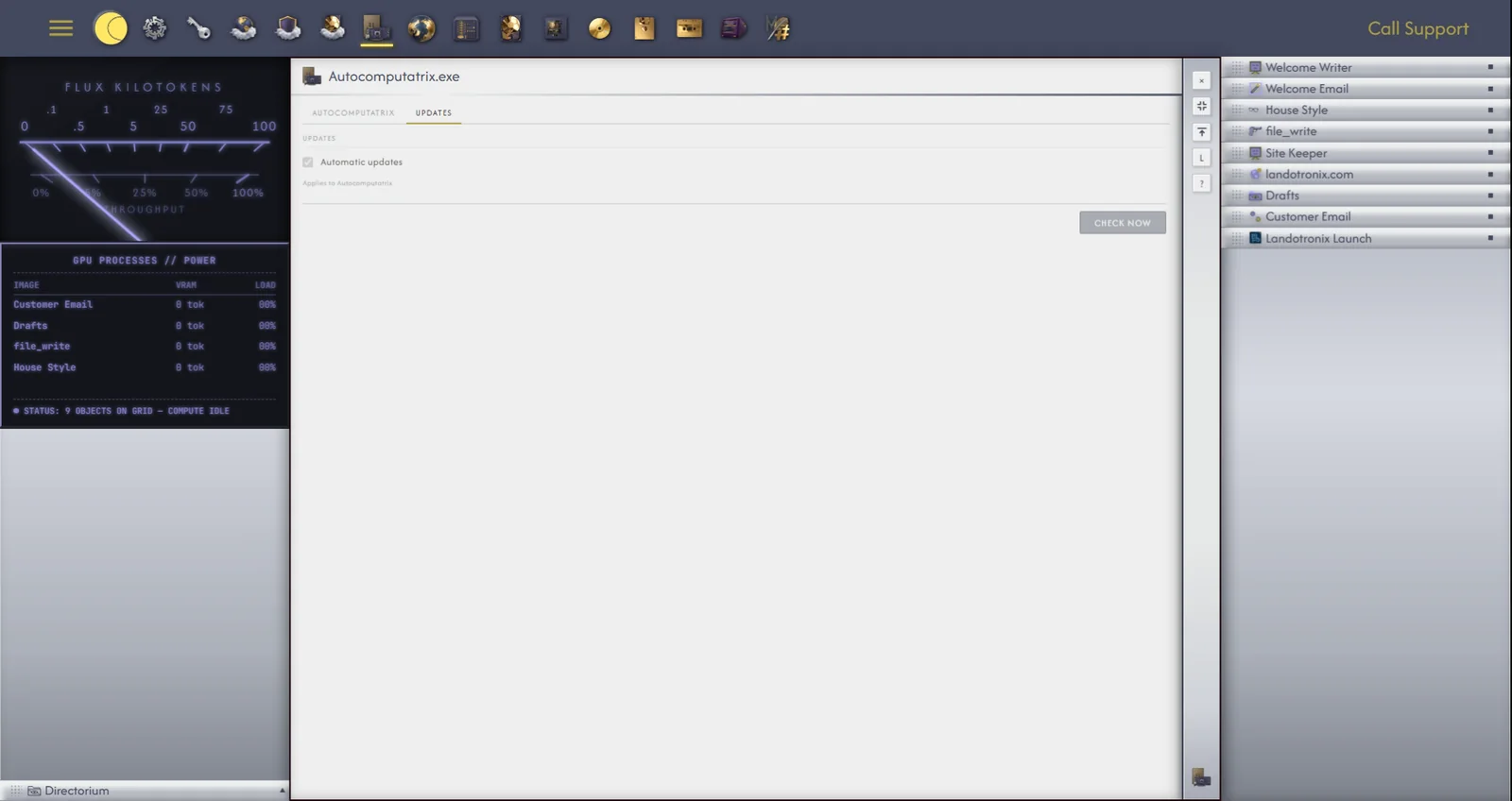
The Autocomputing '26 icon in the app drawer opens Gridtop's view of the Windows app: whether it is installed, which version you have, and what it is doing. It opens in your browser or inside the app itself; inside the app, it offers more.
Autocomputing shows your computer:
This PC, inside the app only, shows what runs on your computer for Gridtop: its models and Ollama, media work, the tunnel, and the agent harnesses OpenClaw and Hermes, each with Install, Set up, Start or Stop as it stands (40.4).
Models, inside the app only, is where you add and run language models on your own computer (40.2).
Updates shows your version and when the app last checked, with Automatic updates and Check now (chapter 41).