Two agents on the same model can behave very differently, depending on how they are tuned: one inventive and talkative, another precise and brief; one keeping a long conversation in mind, another only the last few exchanges. Gridtop presents these settings the way a mixing desk presents sound, as a row of EQ bands, each a slider you push up or down. This chapter explains the bands, the knobs and presets that set them quickly, the modes you can add, and the restrictions that keep an agent within bounds.
To open an agent's EQ, click EQ on the CONN tab of its descriptor panel, or right-click the agent and choose Parameters ▸ Generation. Each band has a slider, a box showing its value, and a ? that explains it in a sentence. Hover over a band and turn the mouse wheel to step it.
Bands the agent's current provider does not accept are greyed, and return to normal when you move the agent to a provider that does.
The bands that shape a reply:
| Band | What it does |
|---|---|
| TEMP (temperature) | How adventurous the agent's choice of words is. Low gives steady, predictable answers, best for facts and code; high gives varied, inventive ones, best for ideas and drafting. |
| TOP-P | How wide a range of likely words the agent considers at each step. Lower is more focused. Most people adjust TEMP and leave this alone. |
| TOP-K | The same idea counted in words: the agent chooses only among the K most likely next words. |
| FREQ PEN (frequency penalty) | Discourages repeating the same words and phrases. |
| PRES PEN (presence penalty) | Encourages moving on to new subjects rather than dwelling on ones already mentioned. |
| MAX TKN (maximum tokens) | The longest reply the agent may write. At its highest, whatever the model itself can write (13.8). |
| EFFORT | For Claude models: how much thought the model puts into its reply. It is the same setting as the Effort chip (13.7). |
| CTX WIN (context window) | How much of the conversation is sent to the model each time, in tokens. Before each turn, Gridtop trims the oldest parts to fit. |
The bands that set memory and autonomy, under Restrictions:
| Band | What it does |
|---|---|
| HIST BUF (history buffer) | How many of the most recent exchanges the agent keeps in its working memory. At its highest, all of them. |
| MAX STEP (maximum steps) | How many steps the agent may take on one request, each tool it uses being a step: 1 to 100. A Task can allow more (16.1). |
| ASK FIRST (ask before acting) | When the agent must ask before it acts. 0: never. 1: before it sends, publishes or deletes anything. 2: before any change. 3: before every tool, even one that only reads. It asks with a permission card in its chat (15.2). |
| PAR EXEC (parallel execution) | How many tools the agent may use at once, 1 to 10. Only tools that read run side by side; anything that changes your files runs on its own, in the order asked, so one change never races another. |
| SELF CORR (self-correction retries) | How many times, 0 to 5, Gridtop retries a failed model request, waiting a little longer each time. A failure a retry cannot mend, such as a wrong key or an exhausted allowance, is reported at once. |
| CHUNK, RAG LIM and VEC SIM | How the agent reads linked files too large to send whole (15.3). Gridtop cuts them into passages of CHUNK tokens and sends only the passages most like your message: at most RAG LIM of them, and none less alike than VEC SIM (0 to 1; 0.15 to begin with). Likeness is measured by the words a passage and your message share. |
The guardrails, also under Restrictions: HATE, HARASS, SEXUAL and HARM each set how readily the agent refuses content of that kind; higher refuses more, and 0 leaves it to the model. Google Gemini applies them itself; for every other provider, Gridtop adds them to the agent's instructions as a short content policy.
PII (personal information) masks personal details in what you and the agent write before it leaves Gridtop. From 1, card numbers and ID numbers such as 123-45-6789 become [card] and [id number]; from 50, phone numbers too; from 75, email addresses. It begins at 25. Files and tool results are not masked.
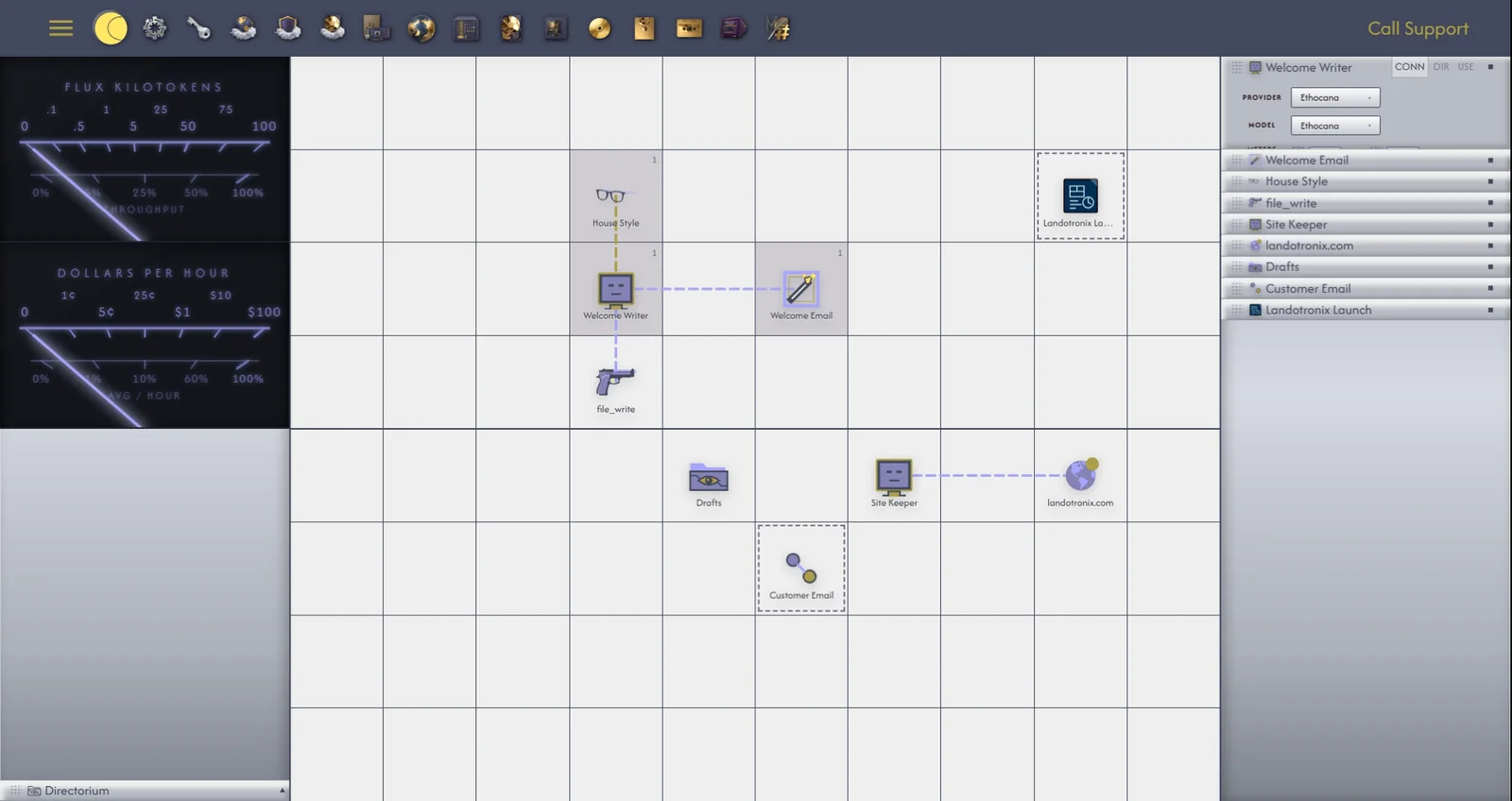
The EQ can also be shown as a row of knobs, each labelled with its band's short name. Drag a knob up or down to turn it, turn the mouse wheel over it to step it, or type a value.
Like the chatbox, the EQ can float or dock into the agent's descriptor panel as its EQ tab, with its D button (10.3). Every view of the EQ stays in step: change a value in one, and the others follow.
A preset sets all of an agent's bands at once, together with an instruction suited to the work. Gridtop has eight:
| Preset | For |
|---|---|
| Flat (Default) | Balanced, general-purpose help. Every new agent starts here. |
| Developer | Writing and explaining code: exact, with code in its own blocks. |
| Cold Recall | Facts first, and as little invention as possible. |
| Brainstorm | Many varied ideas. |
| Analyst | Careful, reasoned analysis. |
| Concise | Short answers. |
| Copywriter | Persuasive, polished writing. |
| Ethocana | Suited to the free models Ethocana runs (13.5). |
To choose a preset, click the preset chip under the agent's chatbox, and choose one. To make your own, tune the bands as you like them, click the preset chip and choose Save Current as Preset..., and name it; Gridtop confirms Saved preset and the name. Delete a Preset... removes one of your own.
Tune Active Preset, on the same menu, opens the current preset's bands in a compact panel, grouped under Gen, Mem, Tools and Safety.
A mode is a short, single-purpose instruction added on top of the preset: for now, work like this. Modes are chosen from the Modes submenu of the preset chip, more than one at a time, and the chip counts them: Developer +1 is the Developer preset with one mode added.
| Group | Modes |
|---|---|
| Default | Ethocana, General help |
| Build | Build a workflow, Create an agent, Create a task, Organize my grid, Wire objects |
| Think | Plan it out, Brainstorm, Explain simply, Help me decide |
| Write | Draft it, Summarize, Turn into a task |
A mode marked (no tools) asks the agent only to talk, not to act, while it is on. Click a mode again to take it off.
The Restrictions submenu of the agent's Parameters menu holds the bands that limit how much the agent keeps in mind and how far it goes on its own (14.1).
Two stronger restrictions are set elsewhere, and are enforced on the server, where no instruction to the agent can talk its way round them: