Before Gridtop changes your website, it keeps a copy of what was there. This chapter explains those copies, called restore points, and the Cloud Backups app where you find them; and it describes Cloud Security, which in 1.0-beta watches over your hosting and is still growing.
Every time Gridtop, or one of your agents, is about to change a file or a database on your website, it first saves a restore point: a copy of what was there, so that a change gone wrong can be undone. Restore points are kept for a limited time (Gridtop Service Terms §6b). They are a safety net for changes made from Gridtop, not a backup of your whole website; keep your own backups as well.
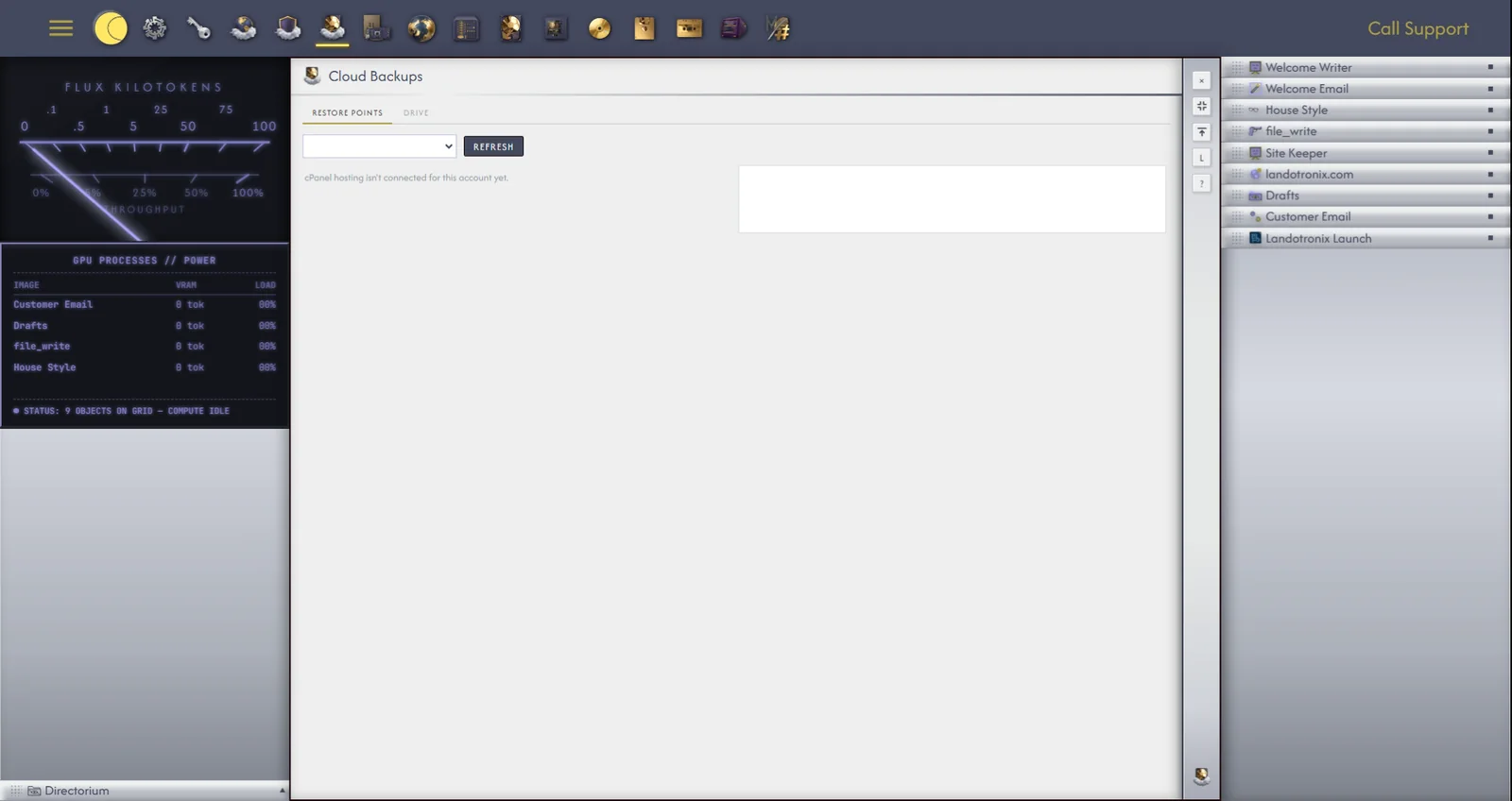
Cloud Backups, in the app drawer, holds your A:/ drive, and the restore points saved before every change to your websites, on two tabs, Restore Points and Drive. The list shows each restore point, with what it was saved for and where. Choose one to see what it holds; View the saved copy opens any file in it, to compare with the file as it is now.
Under Usage, on the Drive tab, you can see how much room your A: drive and your Restore points are taking.
Cloud Security is the home of Truncator, Autocomputing's defence for your hosting: Anti-ransomware, anti-virus, anti-intrusion. Launch Truncator opens it in a window of its own that works like the Terminal; typing truncator in the Terminal does the same. In 1.0-beta, Truncator watches and reports. Its Definitions, Protocols and Threat Developments tabs read Coming.; they will be filled as Cloud Security grows.