An agent that acts on your behalf should never be a black box. Gridtop shows you what each agent is doing while it does it, keeps a record of every tool it used in every reply, and lets you look back over what happened. This chapter explains where to look.
While an agent works, an activity list runs beneath your message, one line per step, with the time taken so far. Each line is marked: a tick (✓) for a step that succeeded, a cross (×) for one that failed, an arrow (→) for a tool in use. When the agent uses a tool, the line reads Requested and the tool's name, with what it was asked to do. The list folds to a single summary line when the reply is done; click the summary to open it again, and Close at its foot to fold it.
The finished reply keeps a record of the tools used: the tool, what it worked on, and how it went, such as a file written and its place, a number of characters read, or the error that stopped it. A saved or copied conversation carries this record, headed Gridtop tool log for this reply.
A reply that stops without finishing what it promised ("I'll now update the page…") is not counted as done. The agent is told to carry on, twice at most; if it still stalls, the reply is marked Unfinished, so that you know to ask again.
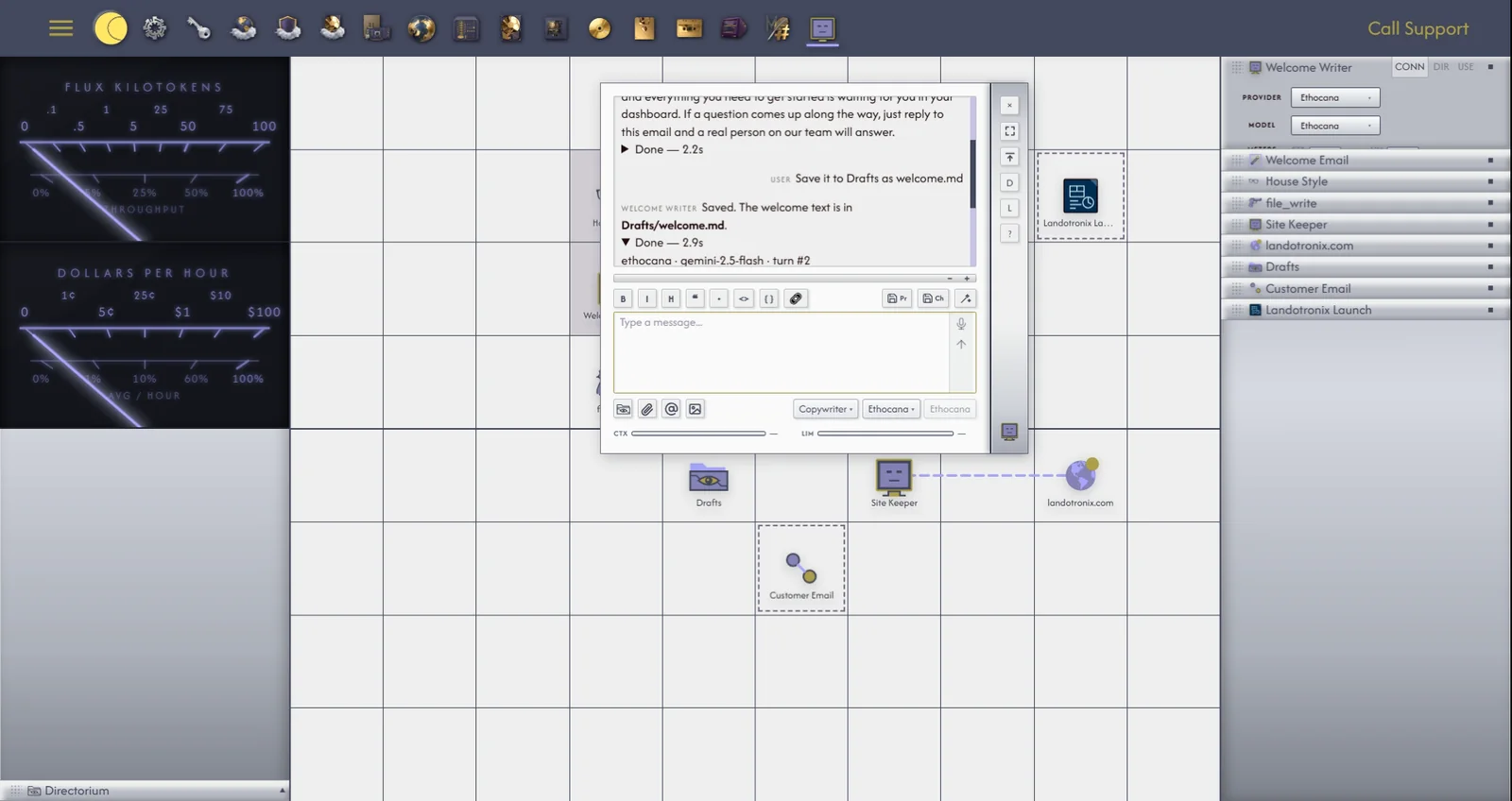
An agent's work does not depend on your page. Each reply runs on the server, apart from your browser, and its words are sent to your screen as they are written, the reply reading Engaged... while it works. You can leave a long piece of work to run: close the tab, or let your computer sleep, and when you come back Gridtop collects the finished reply and says A reply finished while the page was away. (12.12). Stop always works, on the server as well as on your screen (12.2).
The Logs app is your Gridtop's diary. It lists the events of each visit, grouped by session and date, with a count of events and sessions at the top.
Each message you send an agent appears under the agent's name, followed in brackets by the provider and model it was set to, for example PLUSA (Z.ai · GLM-5.3): test. That is the model the agent was asked to use; if that provider could not answer (13.6), Ethocana may have answered instead, and the reply's step list shows which.
The toolbar lets you Copy the log, Save .txt or Save .json, Print it, and Refresh it. Report and Reports are how you tell us about a problem (35.2), and Record records what you do on Gridtop (35.3). Clear empties the log, after a second click on Confirm Clear.
Gridtop includes a chess game, which is also a direct way to watch an agent reason and act. You play White, in gold; your opponent plays Black, in purple: Gridtop's own chess program, or one of your agents, which is shown the board and its legal moves, chooses one, and plays it.
To start a game, type chess anywhere on Gridtop (not in a text box), or ask an agent: Let's play chess. You play Black.
The board lies over the grid, as large as the grid is tall; windows, menus and chats still open above it. A Chess panel opens at the top of the left pane (the other panels fold down, and come back when the game ends), and a gold knight appears in the app drawer while the game runs. The panel holds, top to bottom: the pieces Black has taken; who you are playing (vs Computer, or vs an agent) and whose move it is; Opponent (Computer, any agent, or Create Chess Agent, which places a new agent told to play Black); Difficulty, for the Computer; New Game and Exit; and the pieces you have taken. When it shares the pane with other panels, the captured pieces give way first.
To move, click one of your pieces, then one of the squares marked for it. The last move is shaded.
Playing an agent. Choose the agent from Opponent, or ask it to play. It comes to the front of the right pane with its chat open, so that you can read its moves and anything it says. Each move is a turn you pay for, like any other message (chapter 21); a quick model makes a quick, inexpensive opponent. New Game stops anything a slow agent was still working on.
To put the board away for a moment, click the gold knight in the app drawer; click again to bring it back. Exit ends the game.