A domain is your website's address: landotronix.com. Behind each domain is a set of DNS records, the entries that tell the internet where your website lives, where your email should go, and who may send mail in your name. The Domains app gathers your domains, their records and the search for new names, on three tabs.
Domains opens on its Hosting tab: your hosting plan and its status, the domains on your account (the primary domain, add-on domains, subdomains and aliases) and the websites they serve, and whether each domain uses our nameservers. Open cPanel opens your hosting's own control panel in a new tab.
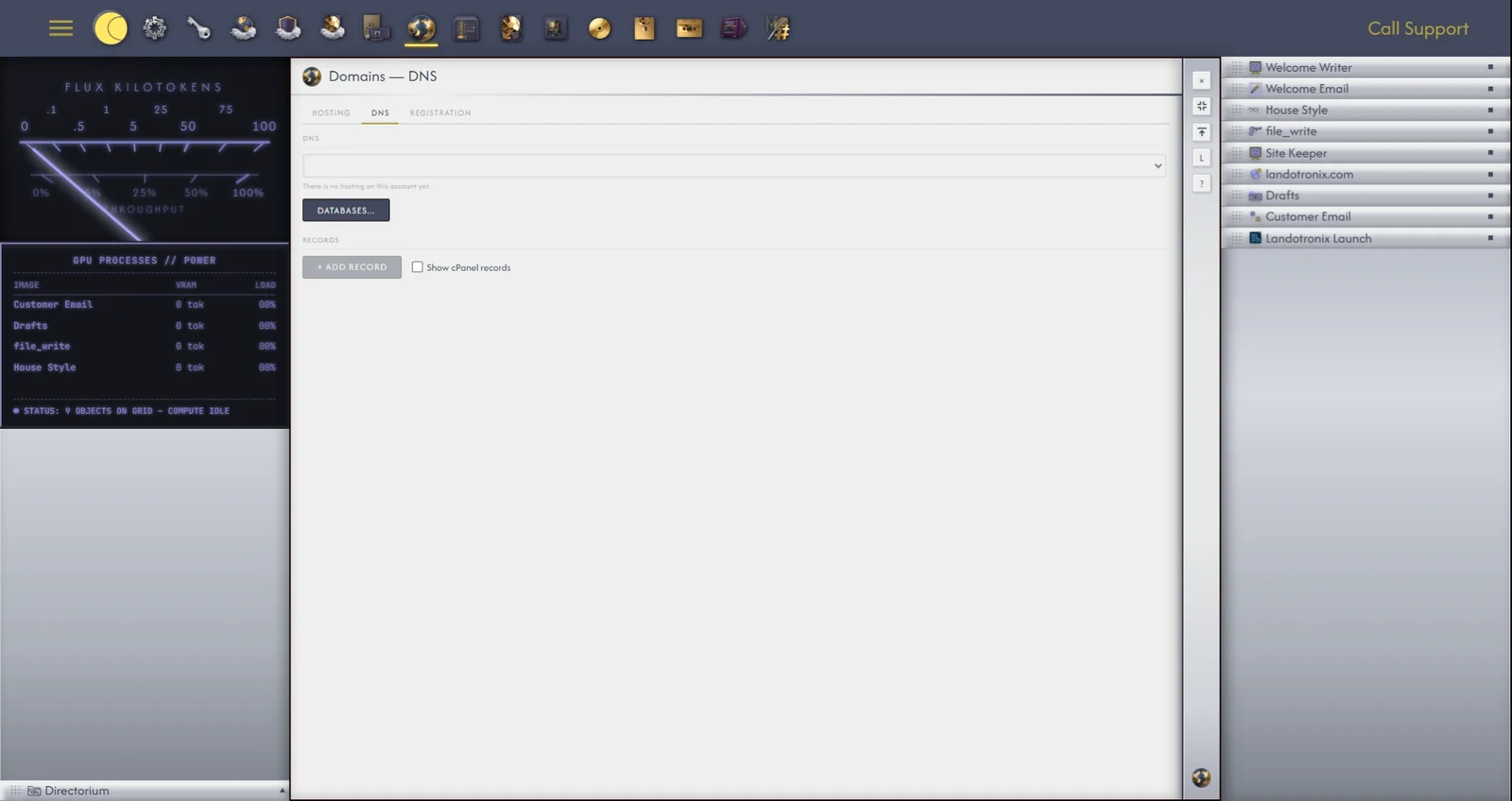
The DNS tab shows the records of the domain you choose, each with its type, name and where it points, in plain words: an IPv4 address for a website, Points to for an alias, a Mail server for email. Each record also has a time to live, from five minutes to one day: how long the rest of the internet may remember it before asking again.
Add record, Edit and Delete change the records here. The same records are shown in your Autocomputing dashboard, and the two always agree.
Databases... on this tab opens the Server app at the chosen domain's databases (28.3); the Server app has a matching shortcut back.
The Registration tab checks whether a domain name is free. Type a domain, or just a name, into the search box; Filters narrows the endings checked, with Search TLDs... and the price ranges, and sorts the results. Each result reads Available, Taken or Unknown; Unknown means the registry gave no clear answer, and Gridtop does not guess. Details, on a result, shows its registrar and its registration and expiry dates, with links to WHOIS ↗, Wayback ↗, Sale history ↗ and Visit ↗.
In 1.0-beta, Gridtop checks names but does not buy them. To register an available name, contact us, or use the registrar of your choice.
A Web Front needs a domain before it can be published to, scanned or staged. To attach one, open the Web Front's window (26.2) and, on its Overview tab, click Attach a Domain..., and choose the domain. To move the site to another domain later, the button reads Change Domain.... Anything that needs a domain on a Web Front without one says Attach a domain first.