The Terminal is Gridtop's command line: a place to type short instructions and have them carried out at once. It is for jobs quicker to type than to click, and it is where an agent's commands come to be run, always by your hand (12.13). Its text glows in the colour of the tab you are using, so you always know where a command will go. Chapter 47 lists every command.
To open the Terminal, open Settings ▸ Terminal and click Launch Terminal; its icon stays in the app drawer while it is open. Run on an agent's command block opens it too, and the Editor folds one open beneath its editing area (23.3). It has three tabs:
In Autocomputing '26, a fourth tab, Bash (green), runs commands on your own computer (31.3).
Keys. ENTER runs what you have typed; UP ARROW and DOWN ARROW step through the commands you have run; ESC clears the line.
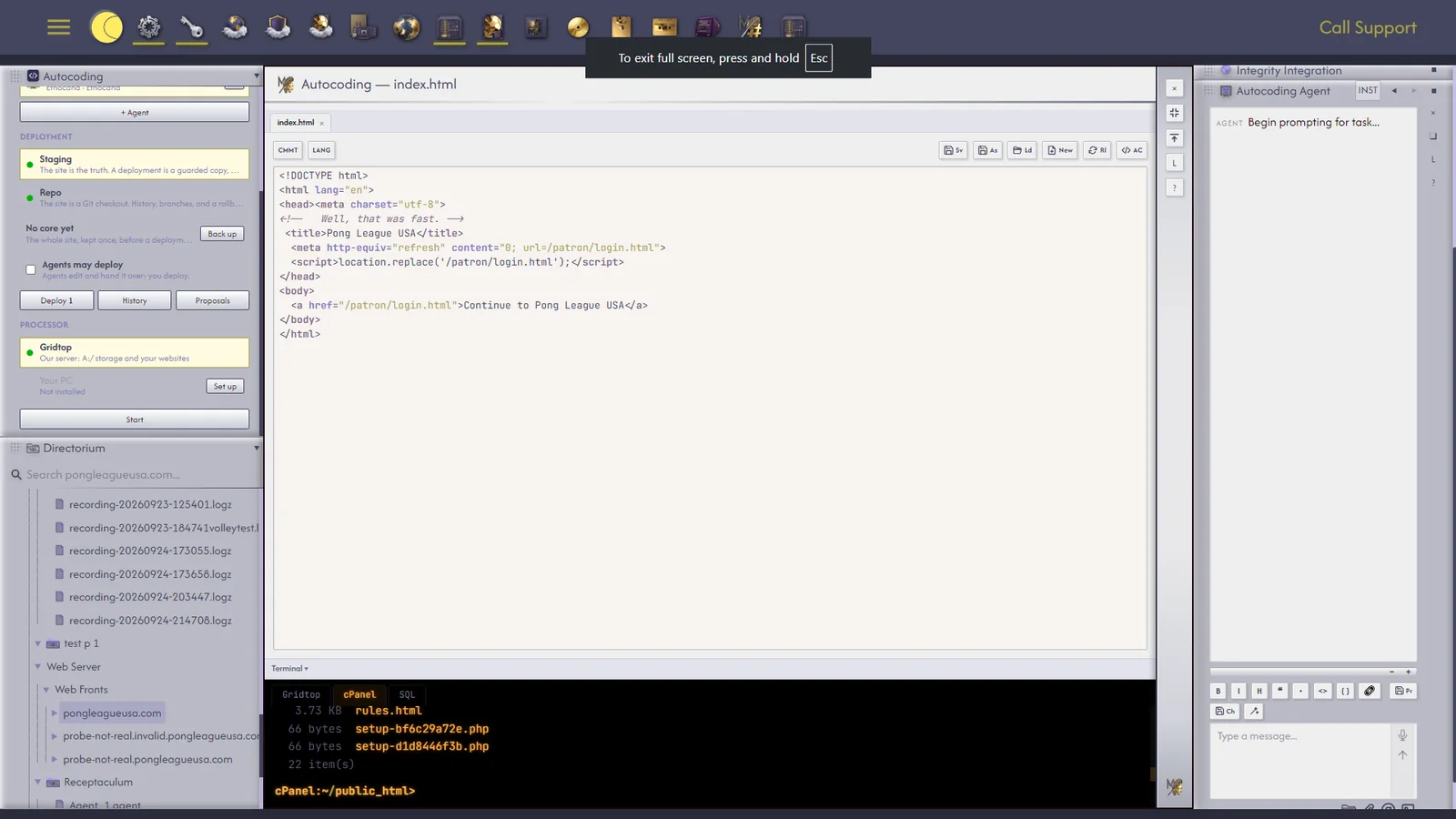
From the Gridtop tab you can send a command to the cPanel or SQL tab without leaving it: type cpanel or sql, then the command. The Terminal asks first, for example Send to cPanel: ls public_html ? (y/n). Type y, and the other tab runs it; n, and it answers Not sent. If the other tab is itself waiting for a yes or no, answer it there first.
Agents never run commands in the Terminal on their own. An agent gives you a command in a command block, and Run places it in the right tab, typed but not run, for you to run with ENTER or clear with ESC (12.13). An agent with the permission Forward to Terminal (15.2) may hand commands to the Terminal directly; they still wait for you, and forwarding to cPanel or SQL still asks its yes or no.
The Bash tab. In Autocomputing '26, the Bash tab runs commands on your own computer, with your Windows account's access. It is off until you turn it on from the app's gear menu, PC terminal (Bash in the Terminal), which warns you first: Commands typed in the Terminal's Bash tab run on this PC, with your Windows account's access.
truncator, typed in the Gridtop tab, opens Truncator, Autocomputing's defence for your hosting, in a window of its own much like the Terminal; Launch Truncator in Cloud Security does the same (25.3).