Agents cost money to run, in small amounts that add up. Gridtop counts every token your agents use, shows what they cost, and lets you set limits, so that the cost of your agents is never a surprise. This chapter explains tokens, the Budgeting window, limits, and the meters that show your agents' work as it happens.
Language models read and write in tokens: pieces of words, about three-quarters of a word each on average. Everything an agent is sent counts, not only your message: its instruction, the conversation so far, its linked files, what Gridtop tells it about your Gridtop, and the result of every tool it uses. Everything it writes counts too.
Providers charge by the million tokens, usually one price for tokens sent and a higher one for tokens written, and bill you directly through the account whose key you connected (13.2). Ethocana is not charged by the token; it is included with Gridtop and metered for fair use (13.5), and a model on your own PC costs nothing per token (40.1).
A few habits keep costs down: keep an agent's linked files to the ones that matter (15.3), start a fresh conversation when an old one has grown long (13.8), use a smaller model and less effort for simple work (13.7).
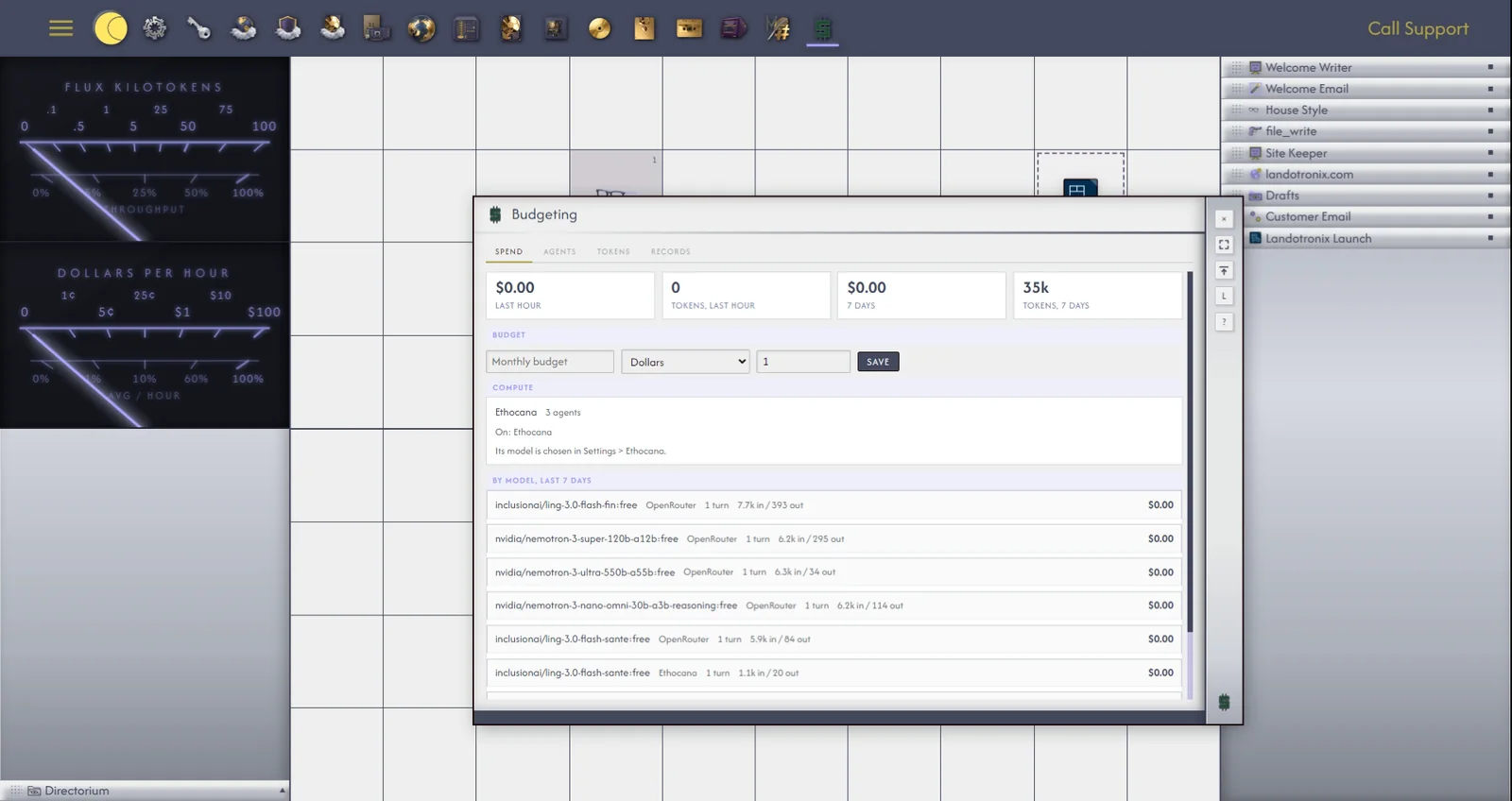
Right-click an empty cell and choose Configure ▸ Budgeting…, or click Pop Out on an agent's BUDG tab. The Budgeting window has four tabs.
Spend shows what your agents have cost in the Last hour and the last 7 days, in money and in tokens, and By model, last 7 days. Here you set a Monthly budget, in Dollars, Pennies, Sheckels, Euros or Pounds, at the rate you give. Prices lists what each model costs, in dollars per million tokens. OpenRouter's models price themselves; you can set your own price for the rest, and past turns are priced again with it.
Agents lists every agent, what it runs on and what it has cost in the last 7 days, each with Chat, to open its chatbox, and Limits (21.3). Stop all agents stops every agent that is working, at once; Move all, with a provider chosen beside it, puts every agent on that provider.
Tokens breaks each reply down by where its tokens went: the instruction, the Task, the Role, the tools, the conversation.
Records lists the underlying records of use, reply by reply.
A limit stops an agent from spending more than you intend. On the Agents tab, click Limits beside an agent, and set any of Per turn (the most one reply may use), Per 24 hours and Per Task.
Per turn and Per Task left blank mean no limit. Per 24 hours is never unlimited: left blank, each agent stops at 1,000,000 tokens in 24 hours, a default that keeps a runaway agent from running up your provider's bill. Set your own figure to raise or lower it.
Gridtop checks the limits before each reply and before every step within it, so an agent stops at a limit rather than after it. Replies between agents are checked the same way, and scheduled work checks its agent's limits before it starts. When a limit stops an agent, its reply ends with a line saying which, and the activity list shows Token limit.
An agent's BUDG tab shows its token use in its descriptor panel; Pop Out opens Budgeting. Every object's descriptor panel also carries a Token Use… link, which opens Budgeting's Tokens tab at that object's use: an agent's, a Task's, a Role's, a Tool's or a Skill's.
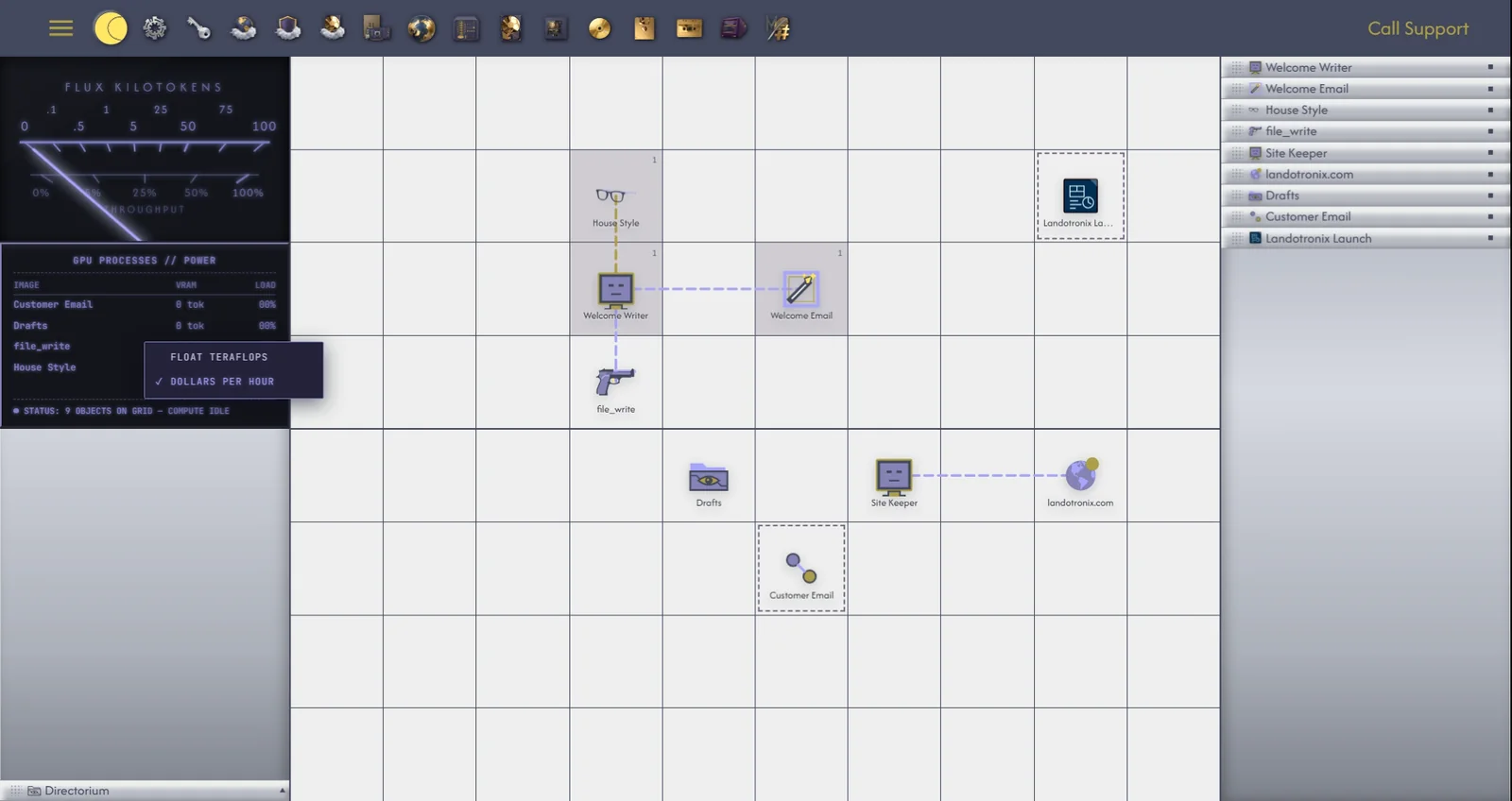
The two meter cards, wherever you have placed them (3.8), can show your agents' work as it happens. Right-click a meter to choose:
Your choice of readings is remembered for your account. Click the lower card to turn it over: with DOLLARS PER HOUR showing, its back sets the last hour, the last 24 hours and this month against your monthly budget.